100% Free • AI-Powered OCR • No Login Required

Extract Data from PDF, Images & Documents with AI OCR

Last updated:

UNLIPARSE is a free online AI data extractor that converts PDFs, images, and scanned documents into structured key-value pairs (KVP). Automatic OCR image-to-text detection captures every field and value — or define your own — then exports to JSON, XML, CSV, or Excel. No login, no signup, no install.

No Signup, No Login
Secure & Private
Extracts in Seconds

Everything You Need to Extract Data with AI

Automatic OCR field detection, custom key-value pairs (KVP), and one-click export to JSON, XML, CSV, and Excel — free, with no login required.

Automatic AI Field & Value Detection

Upload a PDF, image, or scanned document and the AI reads it automatically, pairing every label with its value into clean key-value data. No templates, no rules, no manual setup — results in seconds.

Auto-Detect Fields Custom Fields Results in Seconds

Secure & Private Document Processing

Your PDFs and images are transmitted over an encrypted connection for AI processing and are never stored, logged, or shared. Every file is discarded the moment extraction finishes.

OCR for Images, PDFs & Scanned Files

Image-to-text OCR reads PNG, JPG, PDF, TIFF, SVG, WebP, GIF, and BMP files — born-digital or scanned — and exports the extracted data to JSON, XML, CSV, or Excel (.xlsx).

100% Free Online — No Login, No Install

No signup, no account, no credit card, and nothing to download. Open the tool in any browser and start extracting data — free, with unlimited use.

Any Device, 20 Languages

Extract data from your phone, tablet, or desktop browser. The interface is available in 20 languages, so your team can work in the language it already uses.

Free AI Data Extractor Tools by File Format

Pick the extractor built for your file type — PDF, PNG, JPG, TIFF, SVG, WebP, GIF, or BMP — or use the all-in-one Image Data Extractor. Every tool is free, needs no login, and exports to JSON, XML, CSV, and Excel.
IMG
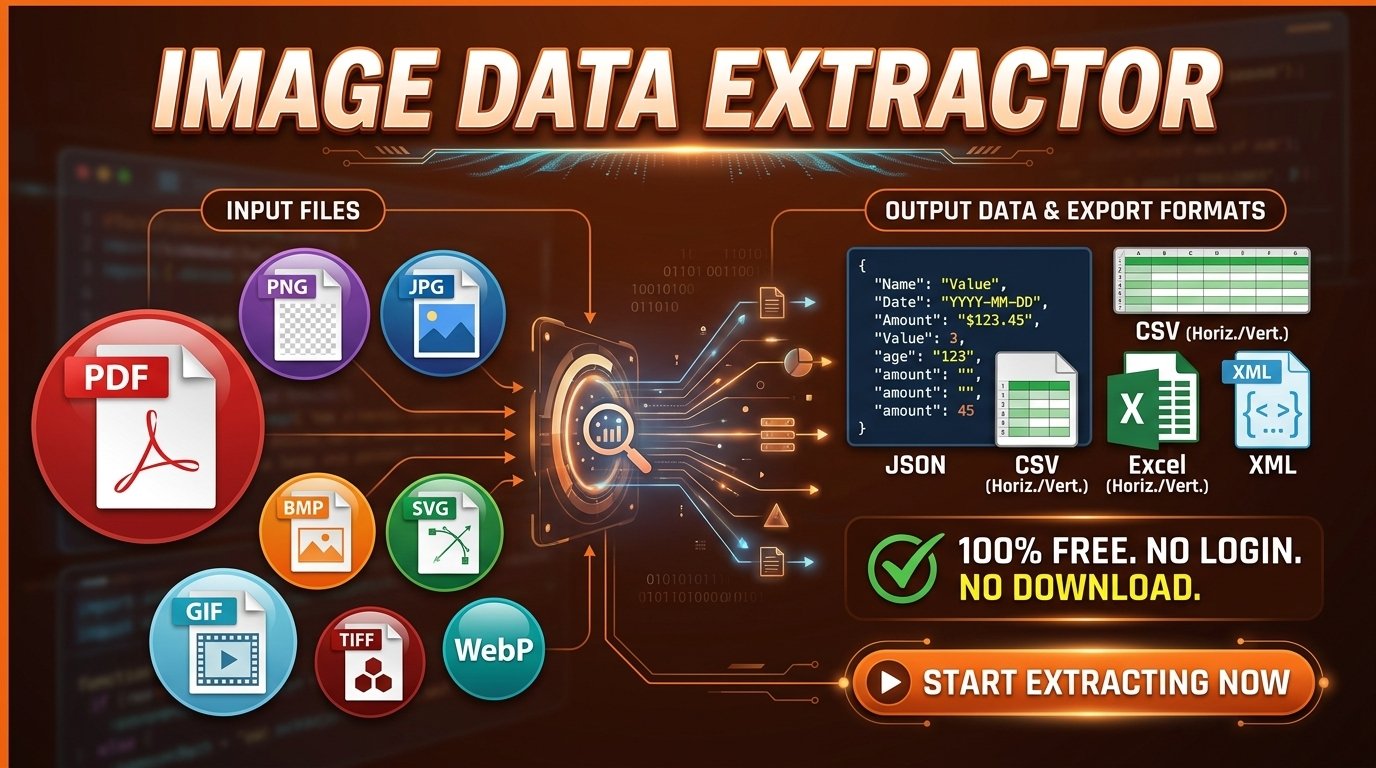
Image Data Extractor turning a scanned image into key-value fields for export to Excel, CSV, JSON, or XML
IMG FORMAT

Image Data Extractor

One tool for every image — the Image Data Extractor works across all formats: PNG, JPG, WebP, TIFF, SVG, GIF, BMP, and beyond. Automatically detect and extract all key-value data pairs from any image file, or define your own custom fields for precision results. No format switching, no multiple tools. Just upload, extract, and export your data in JSON, XML, CSV, or Excel.

Auto-Detect Fields Custom Extraction 4 Export Formats
Start Extracting

Free to use · No registration · Instant results
PNG
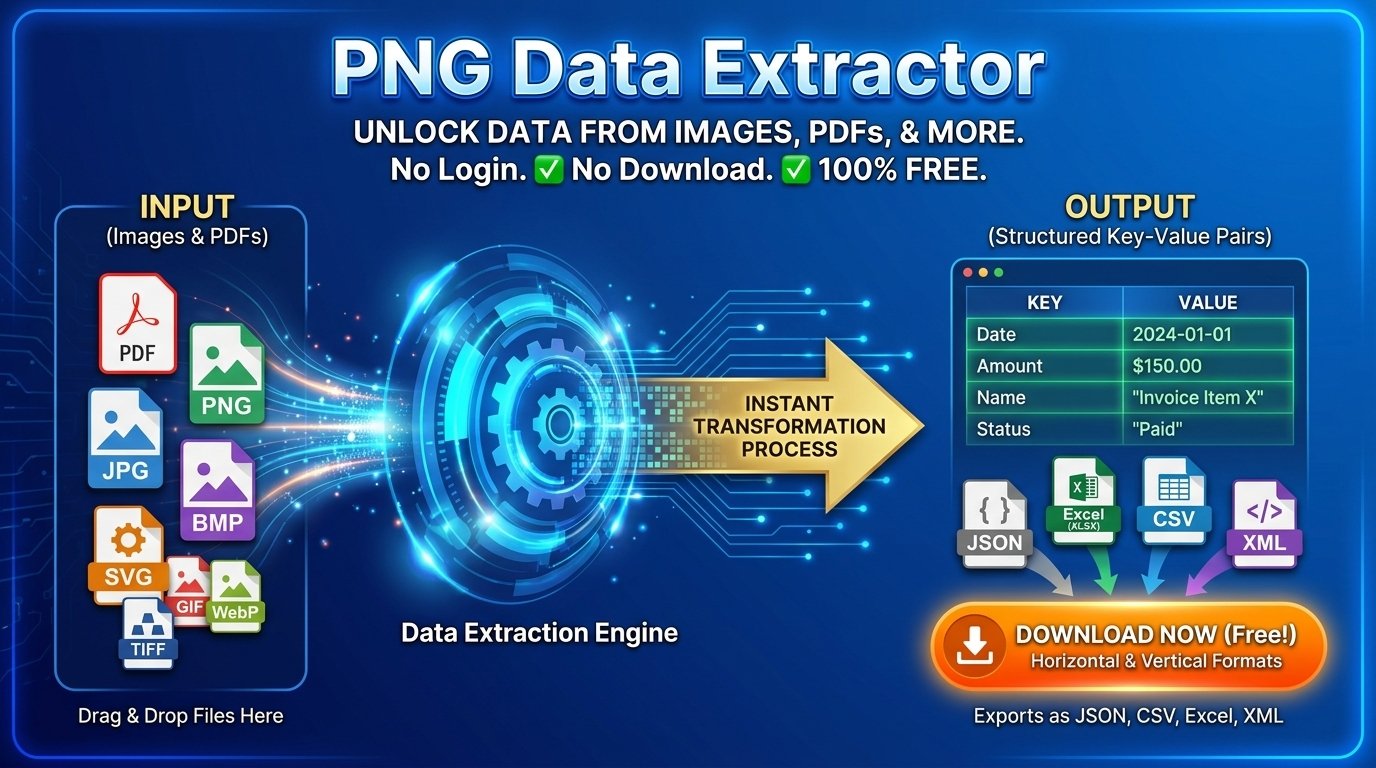
PNG Data Extractor reading a PNG receipt into labelled fields, ready to convert to Excel or CSV
PNG FORMAT

PNG Data Extractor

Turn your PNG images into structured, actionable data with the PNG Data Extractor. Automatically capture every key-value pair, or define your own custom fields for targeted extraction. Perfect for invoices, receipts, and forms saved as PNG. Download results instantly in JSON, XML, CSV, or Excel — ready for any data pipeline, reporting system, or business workflow.

Auto-Detect Fields Custom Extraction 4 Export Formats
Start Extracting

Free to use · No registration · Instant results
JPG
JPG Data Extractor converting a photographed form into structured key-value data and JSON output
JPG FORMAT

JPG Data Extractor

Stop copying data from JPG images manually — the JPG Data Extractor handles it for you. Powered by intelligent recognition, it scans your image and extracts every key-value pair automatically. Need specific fields? Customize what gets pulled. Ideal for scanned documents, photo-captured forms, and image-based reports. Export clean, structured output in JSON, XML, CSV, or Excel in just a few clicks.

Auto-Detect Fields Custom Extraction 4 Export Formats
Start Extracting

Free to use · No registration · Instant results
PDF
PDF Data Extractor showing key-value fields pulled from a PDF invoice, ready to export to Excel or CSV
PDF FORMAT

PDF Data Extractor

PDFs hide valuable data — and our PDF Data Extractor brings it to the surface instantly. Auto-detect every key-value pair in your PDF, or define custom fields for targeted extraction. No retyping, no errors. Perfect for processing contracts, reports, and forms at scale. Export your structured data in JSON, XML, CSV, or Excel for seamless integration into any workflow or analysis tool.

Auto-Detect Fields Custom Extraction 4 Export Formats
Start Extracting

Free to use · No registration · Instant results
TIFF
TIFF Data Extractor reading a high-resolution scan into structured rows for Excel and CSV export
TIFF FORMAT

TIFF Data Extractor

TIFF files are prized for high-quality scans and archival documents — now get the data inside them fast. The TIFF Data Extractor auto-detects all key-value pairs, or lets you define exactly the fields you need. Ideal for medical records, engineering scans, and digitized archives. Export results in JSON, XML, CSV, or Excel and integrate structured data into any workflow.

Auto-Detect Fields Custom Extraction 4 Export Formats
Start Extracting

Free to use · No registration · Instant results
SVG
SVG Data Extractor pulling labelled values out of a vector graphic into JSON and XML output
SVG FORMAT

SVG Data Extractor

SVG files hold rich structured data beneath their visuals — the SVG Data Extractor surfaces it instantly. Auto-scan your SVG for every key-value pair, or define custom fields for precise extraction. Great for designers, developers, and data teams working with scalable graphics. Export results in JSON, XML, CSV, or Excel for seamless use in any downstream application or reporting tool.

Auto-Detect Fields Custom Extraction 4 Export Formats
Start Extracting

Free to use · No registration · Instant results
WebP
WebP Data Extractor converting a WebP screenshot into key-value pairs for Excel, CSV, or JSON
WebP FORMAT

WebP Data Extractor

WebP is modern web's image format — and our WebP Data Extractor gets the data out of it fast. Auto-detect every key-value pair in your WebP files, or specify only the fields you need. Whether you're parsing product images, receipts, or screenshots, clean structured data is a click away. Download results in JSON, XML, CSV, or Excel format, ready for immediate use in any application.

Auto-Detect Fields Custom Extraction 4 Export Formats
Start Extracting

Free to use · No registration · Instant results
GIF
GIF Data Extractor reading text and values from a GIF frame into structured, exportable data
GIF FORMAT

GIF Data Extractor

GIFs aren't just for animations — they can carry structured data too. The GIF Data Extractor scans your GIF and automatically pulls out every key-value data pair, eliminating manual entry. Prefer to target specific points? Set custom fields and extract only what you need. Export results in JSON, XML, CSV, or Excel format and plug them directly into your workflows.

Auto-Detect Fields Custom Extraction 4 Export Formats
Start Extracting

Free to use · No registration · Instant results
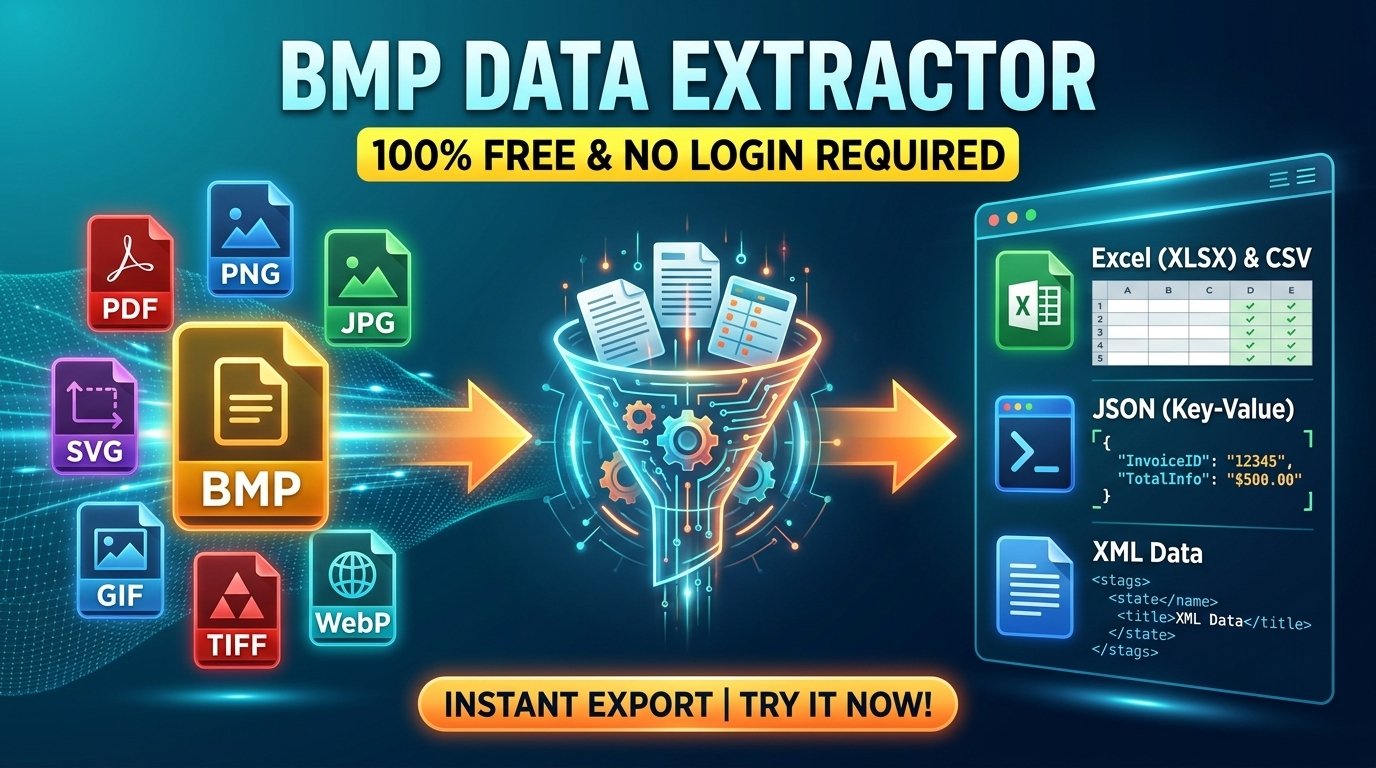
BMP
BMP Data Extractor turning a bitmap scan into key-value data for Excel, CSV, JSON, or XML export
BMP FORMAT

BMP Data Extractor

BMP files offer uncompressed image quality — and the BMP Data Extractor turns that into usable, structured data. Automatically extract all key-value pairs from your BMP images, or define custom fields for precision control. Great for legacy documents, print assets, and bitmap archives. Export to JSON, XML, CSV, or Excel and integrate results seamlessly with your data tools.

Auto-Detect Fields Custom Extraction 4 Export Formats
Start Extracting

Free to use · No registration · Instant results

How AI Data Extraction Works

From a PDF, image, or scanned document to clean key-value data in three steps — automatic, browser-based, and free.

1

Upload Your PDF or Image

Drag and drop your file or click to browse. The extractor accepts PDF, PNG, JPG, TIFF, SVG, WebP, GIF, and BMP — nothing to install, no account needed.

2

AI Detects Fields Automatically

AI-powered OCR reads the document and pairs every label with its value automatically. Prefer full control? Switch to manual and define the exact key-value fields you want.

3

Export to JSON, XML, CSV or Excel

Review and edit the extracted data in a table, then download it as JSON, XML, CSV (horizontal or vertical), or Excel — ready for your spreadsheet, database, or API.

Extract Data From Any Document Type

Invoices, receipts, bank statements, forms, IDs, contracts, and tax documents — turn any PDF or scanned image into structured key-value data, then convert it to Excel, CSV, JSON, or XML.

Invoices & Purchase Orders

Pull invoice number, PO number, vendor, bill-to, line items, subtotal, tax, and total due from PDF invoices and purchase orders. Convert PDF to Excel or CSV and drop the results straight into your accounting system.

Receipts & Expense Reports

Turn photographed or scanned receipts into expense rows — merchant, date, payment method, VAT, and total. Scan to Excel for reimbursement claims without retyping a single figure.

Bank & Financial Statements

Capture account number, statement period, opening and closing balances, and individual transaction rows. Convert a PDF bank statement to CSV or Excel for reconciliation and bookkeeping.

Forms & Applications

Extract every completed field from loan, visa, job, and enrolment forms — applicant name, contact details, employment history, declarations — into structured records. Automate data entry instead of rekeying it.

ID Documents & Certificates

Read document number, full name, date of birth, nationality, and issue and expiry dates from scans of passports, national ID cards, driving licences, and official certificates.

Contracts & Agreements

Lift party names, effective date, term length, renewal date, payment terms, and governing law from PDF contracts, NDAs, and service agreements — no more reading every page to find one clause.

Tax Forms & Payslips

Extract taxpayer ID, employer, gross wages, withholding, deductions, and net pay from tax forms and payroll slips, then export to Excel or JSON for payroll and filing systems.

Tables, Reports & Spreadsheets

Extract table rows and column values from PDF reports, printed spreadsheets, and scanned data sheets. Convert a PDF table to Excel, CSV, JSON, or XML with the structure intact.

Trusted Worldwide for AI Document Data Extraction

PDFs and images turned into structured key-value data every day, in 20 languages.

0+
Documents & Images Processed
0+
Users Worldwide
0+
File Formats Supported
0%
Free — No Login

Frequently Asked Questions

Answers about AI data extraction, OCR, key-value pairs, export formats, and pricing.

Is UNLIPARSE really free?

Yes — UNLIPARSE is 100% free. There are no hidden costs, subscriptions, premium tiers, or credit card requirements, and every AI data extraction feature is available to everyone from the first upload.

Do I need to log in or sign up?

No login and no signup are required. Open any data extractor tool in your browser, upload a PDF or image, and start extracting data immediately — there is no account to create and nothing to install.

Does UNLIPARSE use OCR to read images and PDFs?

Yes. UNLIPARSE uses AI-powered OCR (optical character recognition) to read text from images, scanned pages, and PDFs, then pairs each label with its value instead of returning one unstructured block of text. A scanned invoice comes back as fields such as Invoice No. and Total Due, not as raw characters.

What is a key-value pair (KVP)?

A key-value pair is a single labelled piece of data: the key is the field name and the value is its content, such as "Invoice No." paired with "INV-2024-0117". UNLIPARSE converts a document into a list of these key-value pairs, which is what makes the output ready for JSON, XML, CSV, Excel, spreadsheets, and databases.

Can I convert an image to text online for free?

Yes. Image-to-text conversion is free and runs entirely online in your browser — no install, no signup. Upload a PNG, JPG, TIFF, WebP, GIF, BMP, or SVG file and the AI extracts the text as structured key-value data you can edit, copy, or download.

What file formats are supported?

UNLIPARSE supports 8+ image and document formats: PDF, PNG, JPG, TIFF, SVG, WebP, GIF, and BMP. Each format has a dedicated data extractor tuned for it, and the all-in-one Image Data Extractor handles any of them.

Can I export extracted data to Excel, CSV, JSON, or XML?

Yes — every extraction can be downloaded as JSON, XML, CSV, or Excel. CSV and Excel are each available in horizontal or vertical layout, giving six one-click download options in total, so the data drops straight into a spreadsheet, database, or API without reformatting.

Can I convert a PDF to Excel, CSV, or JSON?

Yes — upload the PDF, let the AI read it, and download the result as Excel, CSV, JSON, or XML. Because the extraction produces labelled key-value pairs rather than loose text, a PDF to Excel conversion arrives as proper columns and rows, ready for formulas and pivot tables. A PDF to CSV export keeps those same labels as column headers, and a PDF to JSON export keeps them as object keys, so the field names survive in every format.

Can I extract tables from a PDF or scanned document?

Yes. Row and column values are captured from PDF reports, printed spreadsheets, and scanned data sheets, and the structure survives the export — so a PDF table becomes an Excel or CSV table rather than a wall of text. For very dense or irregular layouts, review the editable results table before exporting.

Can I use UNLIPARSE to replace manual data entry?

Yes — that is what it is built for. Automatic mode reads every field and value on the page with no template to configure, so invoices, forms, and statements no longer need rekeying. Define a fixed set of fields and save it as a reusable result template when you want the same output shape every time.

What can I do with the extracted data?

You can copy it, download it as JSON, XML, CSV, or Excel, and feed it directly into spreadsheets, databases, accounting systems, or your own applications. Results appear in an editable table first, so you can correct a value or add a missing field before exporting.

Can I automate data extraction?

Automatic mode does the work for you: the AI detects and extracts every key-value pair on the page with no templates or rules to configure. You can also define a fixed set of fields and save the layout as a reusable result template, so the same documents always export in the same shape. A RESTful API for fully automated pipelines is in development.

How accurate is the data extraction?

Accuracy is high on clear, well-formatted documents such as invoices, receipts, forms, and bank statements. Results vary with image quality, document complexity, and layout, so high-resolution files with legible text give the best output — and every result is editable before you export it.

Is my data secure?

Yes. Your files are transmitted securely for AI-powered processing and are never stored, logged, or shared with third parties. Each file is discarded the moment extraction completes.

Is there a file size limit?

Yes — you can process files up to 50 MB per upload, which covers the vast majority of documents and images. For anything larger, split the file into smaller parts and extract them separately.

How long does the extraction process take?

Most files finish in under 5 seconds. Processing time depends on your file size and document complexity, but extraction is built to return structured data in seconds rather than minutes.

Can I process multiple files at once?

Not yet — the tool processes one file at a time. If you need to handle large volumes of files, batch processing and local automation options are available; contact us to discuss your requirements.

What happens if the extraction fails?

You will receive a clear error message explaining the issue. The usual causes are a corrupted file, an unsupported format, or an unreadable scan — try a different file or a higher-resolution version, or contact our support team for assistance.

Which languages does UNLIPARSE support?

The UNLIPARSE interface is available in 20 languages, including English, Spanish, French, German, Portuguese, Italian, Dutch, Polish, Russian, Arabic, Japanese, Korean, and Thai. You can switch language at any time from the menu.

Does it work on mobile devices?

Yes — UNLIPARSE is fully optimized for mobile devices. On a smartphone or tablet you get the same AI extraction, editing, and export options as on desktop, in a touch-friendly interface.

What browsers are supported?

UNLIPARSE works in all modern browsers, including Chrome, Firefox, Safari, and Edge. Keep your browser updated for the best experience — there is nothing else to install.

Do you offer an API for developers?

A RESTful API is in development for developers who want to build data extraction into their own applications. Contact us to be notified when it launches or to discuss your integration requirements.

Turn Any PDF or Image into Structured Data

Free AI data extraction with OCR, automatic key-value detection, and export to JSON, XML, CSV, or Excel. No login, no signup, no credit card.

Extract Data Free — No Signup
No Credit Card
No Signup or Login
Unlimited Free Use