PDF Data Extractor

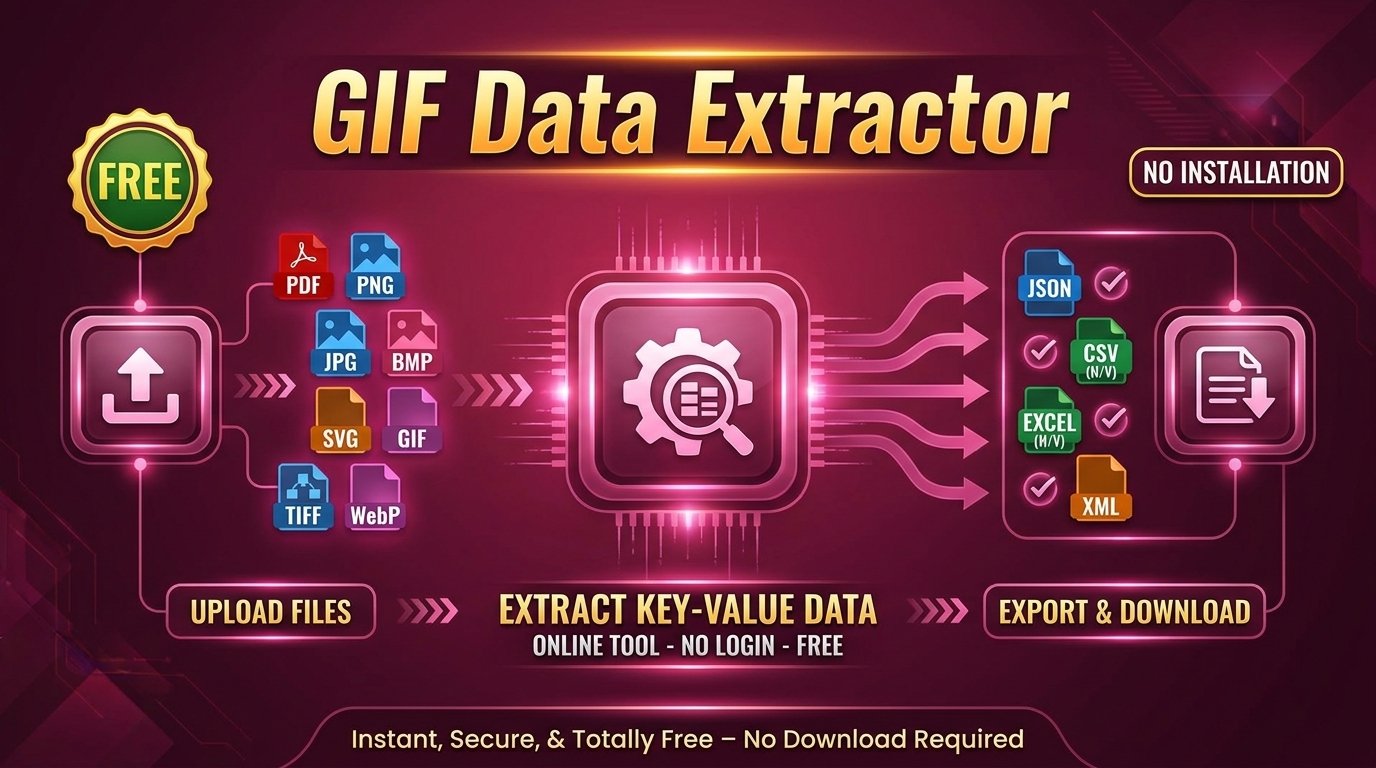
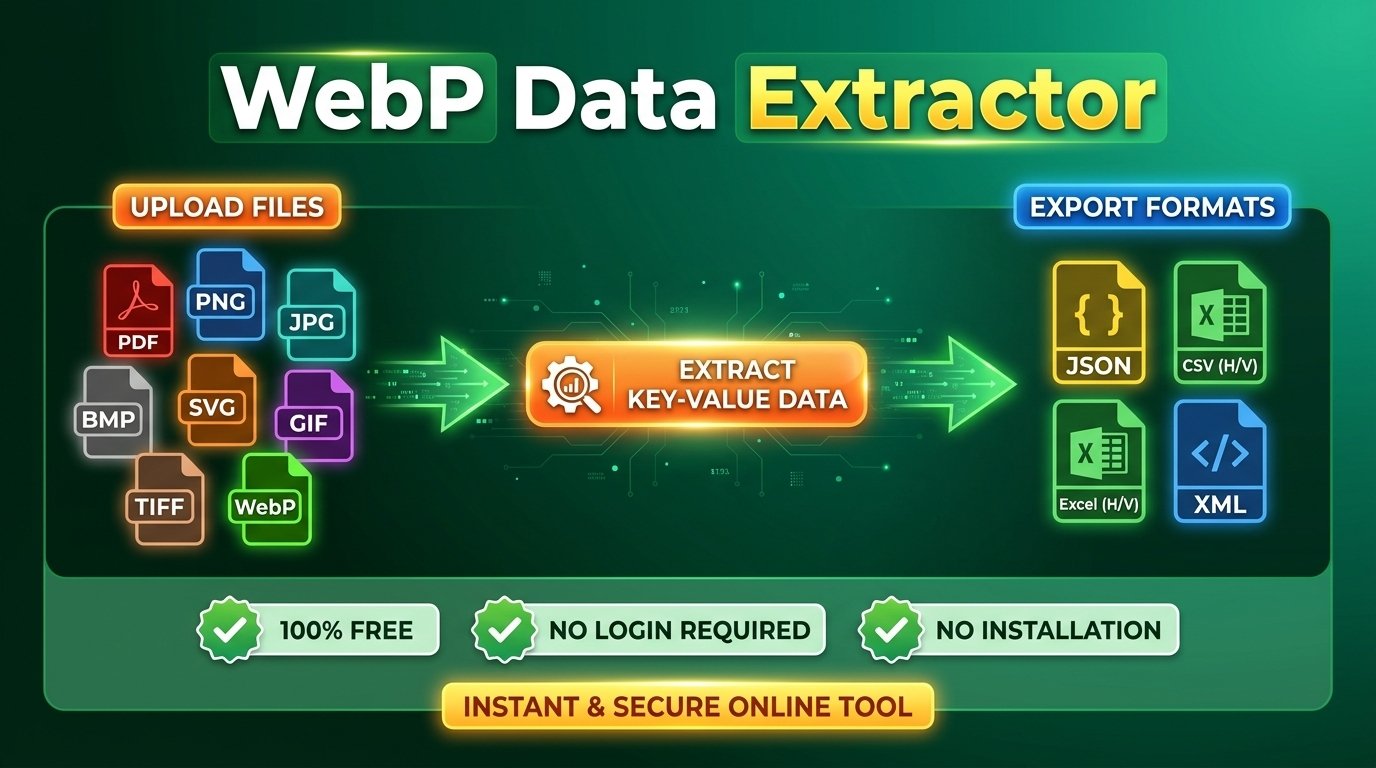
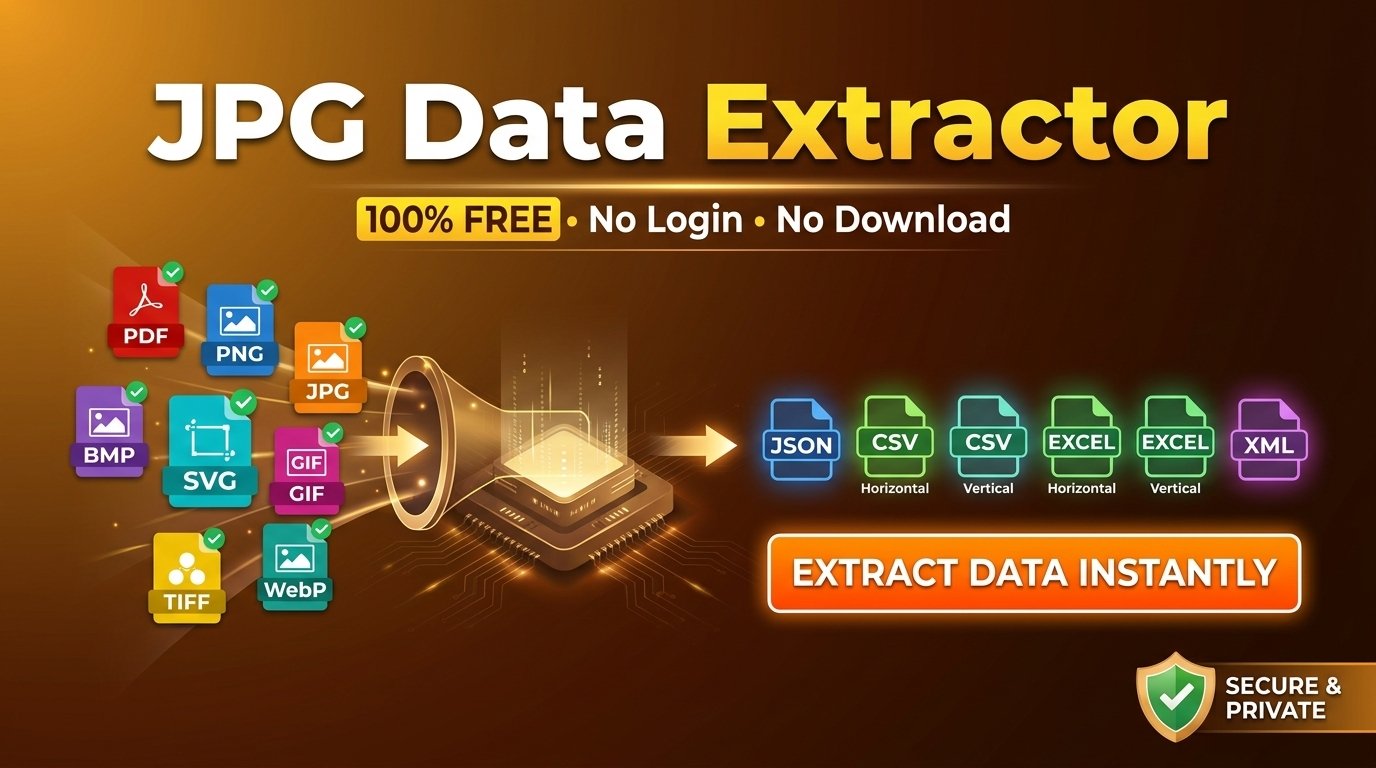
Pull every field and value from a PDF — invoices, bank statements, contracts, tax forms, and applications — into clean key-value data in seconds. Open the page you need, let AI detect each field automatically, or define your own to lock the schema across documents. Export to JSON, CSV (horizontal or vertical), Excel, or XML. Free, no signup, no install, 20 languages. PNG, JPG, TIFF, WebP, GIF, BMP, and SVG welcome too.

No Signup
Secure & Private
Lightning Fast
PNG JPG PDF TIFF SVG WebP GIF BMP

Drag & Drop Your PDF

or click to browse

PDF, PNG, JPG, TIFF, WebP, GIF, BMP, SVG

Max 50 MB

Powerful Features for PDF Extraction

Everything you need to pull labeled fields off a PDF — invoice, statement, contract, or form — and ship the data wherever it needs to go.

Page-Precise PDF Extraction

Open a two-page contract or a 200-page statement, navigate to the exact page in the preview, and pull its fields and values. The tool reads one page per run, so every extraction stays clean and predictable.

AI Field-and-Value Detection

Drop a PDF in and the AI pairs each label with its value automatically — invoice line items, statement rows, form fields, ID lines, contract terms — into structured key-value data with no templates or setup.

Define Your Own Fields

Know the schema already? List the exact keys you want — Invoice No., Total Due, Account Number, Effective Date — add optional descriptions for accuracy, and lock the same output shape across every PDF you run.

Works on Digital & Scanned PDFs

Exported straight from accounting or ERP software, or scanned from a paper original — the extractor reads the selected page the same way, so born-digital and scanned PDFs both turn into clean data.

Edit Results Before Export

Review extracted fields in an editable table — fix a misread figure, correct a label, type in a value the AI missed, add a field, or delete a row — then save the layout as a reusable result template.

Export to Any Format

Download to JSON for APIs and scripts, CSV (horizontal or vertical) for spreadsheets, Excel (horizontal or vertical .xlsx) for analysts, or XML for legacy and document-management systems.

How It Works

From a PDF page to clean, exportable key-value data in three steps — process one page at a time, no setup required.

1

Upload & Open Your Page

Drag in your PDF or browse to it, then use the page controls — Prev/Next, the page box, or the dropdown — to land on the exact page you want. Confirm it in the preview before anything runs.

2

Auto-Detect or Define Your Fields

Choose Auto and the AI pulls every label-and-value pair on the page, or switch to Manual and list the exact keys you need (Invoice No., Due Date, Account Number). Complete the quick security check to start.

3

Review, Edit & Export

Check the results in the editable table, correct or add any values, then download to JSON, XML, CSV (horizontal or vertical), or Excel (horizontal or vertical). Move to the next page and repeat.

Use Cases for PDF Data Extraction

From invoices and bank statements to contracts, tax forms, and applications — see how teams turn labeled PDF documents into clean, structured key-value data.

Invoices & Purchase Orders

Pull invoice number, PO number, vendor, bill-to, line items, subtotal, tax, total due, and due date from PDF invoices, purchase orders, and billing statements.

Bank & Financial Statements

Capture account number, statement period, opening and closing balances, and individual transaction rows from PDF bank, credit card, and brokerage statements.

Contracts & Agreements

Extract party names, effective date, term length, renewal date, payment terms, governing law, and signature dates from PDF contracts, NDAs, and service agreements.

Tax Forms & Payslips

Lift taxpayer ID, employer, gross wages, withholding, deductions, and net pay from PDF tax forms, W-2/1099-style documents, and payroll slips.

Insurance Policies & Claims

Pull policy number, insured name, coverage limits, premium, claim number, dates of service, and settlement amounts from PDF policy documents and claim forms.

Loan, Visa & Job Applications

Convert applicant name, contact details, employment or education history, references, and declarations from PDF loan, mortgage, visa, and job application forms into structured records.

Medical Records & Lab Reports

Capture patient name, date, provider, test names, result values, units, and reference ranges from PDF prescriptions, discharge summaries, and laboratory reports.

Government IDs & Certificates

Pull document number, full name, date of birth, issue and expiry dates, and address from PDF scans of passports, national IDs, licenses, and official certificates.

Frequently Asked Questions

Got questions? We've got answers.

What can the PDF data extractor pull from a document?

It pulls every field-and-value pair on the page — invoice numbers and line items, statement balances and transactions, form fields, contract dates and parties, ID lines, and any other labeled text — into clean key-value data, ready to export as JSON, CSV, Excel, or XML.

Does it read the whole PDF at once, or one page at a time?

One page at a time. You choose which page to process and the extraction applies only to that page, which keeps results accurate and predictable for long statements, reports, and contracts. To process a whole document automatically, see the batch and all-page options below.

How do I extract from a specific page of a long, multi-page PDF?

After uploading, use the page controls in the preview — Prev/Next, the page-number box, or the dropdown — to navigate to the page you want. Whatever page is shown in the preview is the page that gets extracted. Process it, then move to the next page and repeat.

Can I extract data from every page of a PDF in one go?

The free web tool runs one page per extraction by design. If you need all pages of a document — or thousands of pages across many files — pulled automatically, contact us about batch and all-page processing.

Does it work on scanned PDFs, or only digitally created ones?

Both. Whether your PDF was exported straight from accounting, ERP, or word-processing software, or scanned from a paper original, the AI reads the selected page and pulls its labeled values the same way. Clear, high-resolution scans give the best accuracy.

How does automatic extraction decide what to pull?

Auto mode analyzes the layout and text of the selected page and pairs each label with its value on its own — no templates, no field mapping, no configuration. It's the fastest way to handle a one-off or unfamiliar PDF.

When should I use manual mode and define my own fields?

Use manual mode when you process the same kind of PDF repeatedly — recurring invoices, a fixed statement layout, a standard application form — so every result carries the exact keys you name, in the same order. Add an optional description to each key to sharpen accuracy.

Can I save a field template and reuse it for the same kind of PDF?

Yes. In manual mode, define your keys and download them as a template (JSON or CSV). Upload that template for any future PDF of the same type to reproduce an identical field set, or download the current fields anytime to keep your templates in sync.

Can I edit the extracted data before downloading?

Yes. Results appear in an editable table — correct a misread figure, fix a label, add a field the AI missed, or delete a row you don't need. Your edits are baked into the exported file, so the download reflects exactly what you confirmed.

Can I download a template of the result layout?

Yes. From the results you can save the current field set as a template and reuse it on the next document — handy when you're working through a stack of similar PDFs and want consistent output every time.

What export formats can I download, and which fits which workflow?

JSON for APIs, scripts, and pipelines; CSV in horizontal layout (one row per document) for spreadsheet roll-ups, or vertical (key/value per row) for long-form reviews; Excel in horizontal or vertical .xlsx for analysts; and XML for legacy and document-management systems.

What other file types can I upload besides PDF?

PNG, JPG, TIFF, WebP, GIF, BMP, and SVG. So if a document arrives as a scan, a phone photo, or a multi-frame TIFF, you can run it through the same workflow without switching tools.

Is the PDF data extractor really free, with no signup or install?

Yes. The core extraction is completely free — no account, no credit card, no software to download, and no browser extension. Open the page, drop your PDF in, and export your data.

Is there a file size limit for PDFs?

Yes — uploads up to 50 MB per file are supported. For very large or high-page-count PDFs, split the document or extract just the pages you need; for heavy ongoing volume, ask us about scaling options.

What about password-protected PDFs?

Remove the password or save an unlocked copy before uploading — encrypted PDFs can't be read while they're locked. Once the protection is removed, the page extracts normally.

Is my PDF data private and secure?

Yes. Files are processed for your extraction request and are not stored, retained, or shared afterward. For organizations with compliance requirements — finance, healthcare, legal, government — contact us about local or on-premises deployment so PDFs never leave your infrastructure.

Can I use the tool in other languages?

Yes. The PDF data extractor is available in 20 languages, so you and your team can work in the interface you're most comfortable with.

UNLOCK MORE

Ready to Scale?

Reading one PDF page at a time is fine for a few documents. When you need every page, hundreds of files, or extraction wired into your systems, pick the option that matches your volume.

Run Locally

Local & All-Page Extraction

Process every page of a PDF in one pass and keep files on your own infrastructure — ideal when statements, contracts, or records can't leave your network. No browser, no queue, no per-file limit.

Contact Us
High Volume

Hundreds of PDFs in One Run

A folder of invoices, a month of statements, a batch of claim forms — extract the whole stack in a single run instead of uploading one PDF at a time.

Contact Us
B2B / B2C

API for Your Document Workflows

Wire PDF extraction straight into your product — accounts payable, KYC onboarding, claims intake, contract review — with API access and the CAPTCHA removed.

Get in Touch

Have a different use case? Tell us about it →