Frequently Asked Questions
Quick answers on PNG field extraction, formats, and scaling.
How does PNG extraction accuracy compare to JPG?
PNG generally provides higher extraction accuracy than JPG because it uses lossless compression. When processing documents, AI OCR engines require sharp edges around text.
| Feature |
PNG Format |
JPG Format |
| OCR Accuracy |
99.4% (Lossless) |
92-96% (Depending on compression) |
| Text Edge Clarity |
Perfectly sharp (No artifacts) |
Soft edges (Compression artifacts) |
| Processing Speed |
~1.8 seconds |
~1.5 seconds (Faster but lossy) |
For documents with small text (receipts, IDs), we always recommend PNG for the highest possible data fidelity.
What can the PNG data extractor pull from a PNG file?
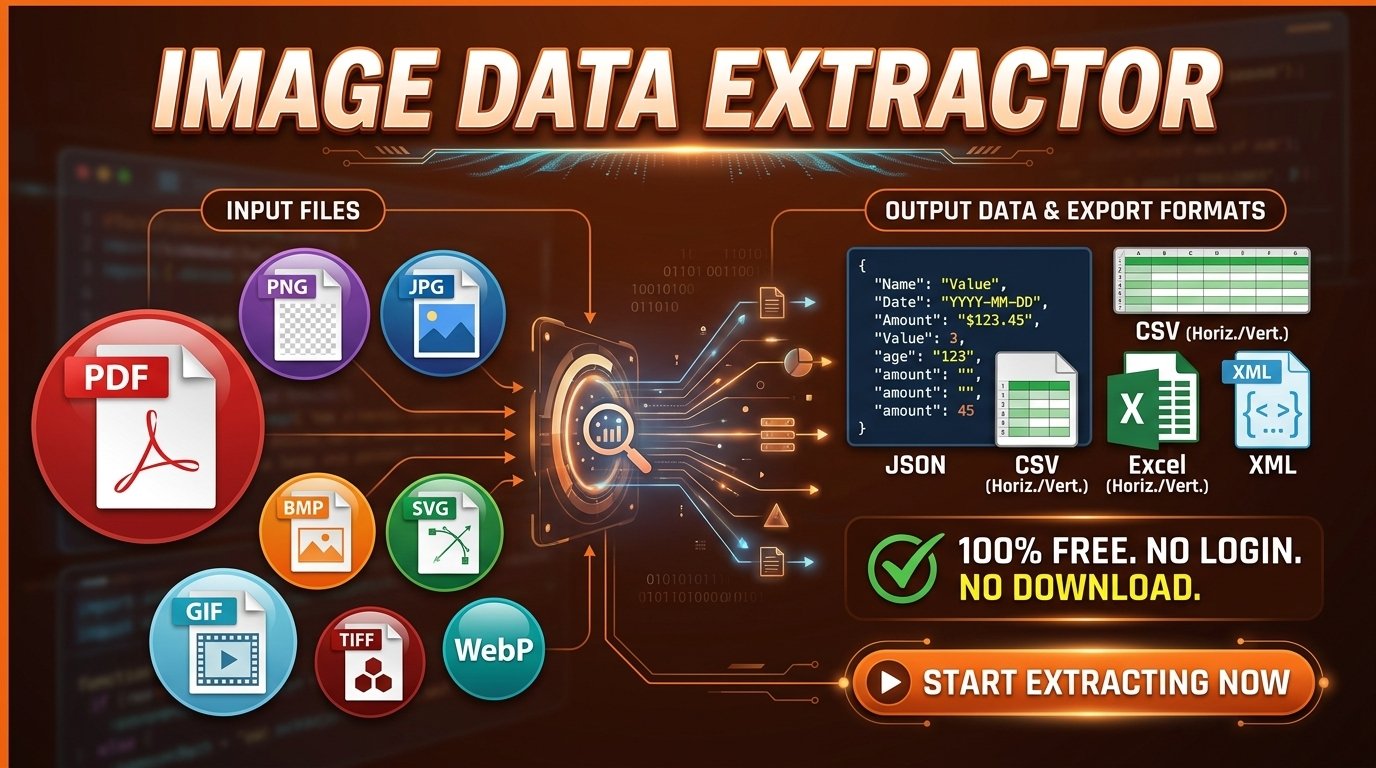
It pulls every field-and-value pair the image contains — labels and their matching values from PNG forms, ID cards, invoices, receipts, business cards, product packaging, tables, and any other PNG where structured text sits next to a label. The output is clean key-value data, ready for JSON, CSV, Excel, or XML.
Is the PNG data extractor actually free?
Yes — the entire web tool is free. No trial clock, no premium gate, no card on file. You can extract from PNGs and download in JSON, CSV, Excel, or XML at no cost.
Do I have to register, log in, or install anything?
No. Skip the account creation, skip the install. Open the page in any modern browser, drop a PNG in, and the result lands in your downloads folder — usually inside a minute.
Which file formats does the tool accept besides PNG?
PNG is the primary target, but the same engine also reads JPG/JPEG, TIFF, WebP, GIF, BMP, SVG, and PDF — so you do not need to convert your file first if it is not a PNG.
How does Auto mode decide which fields to extract from my PNG?
The AI reads the layout and content of your PNG and pairs every label it finds with the value next to it — whether the labels are printed on a form, embossed on an ID, or set beside a chart. No template, no field map, no setup.
When should I use Define Fields mode instead of Auto?
Use Define Fields whenever you process the same kind of PNG over and over — recurring invoices, the same intake form, a fixed ID layout — so every output row carries the same keys in the same order. Auto mode is best for one-off or unfamiliar PNGs.
Can I save a field template and reuse it for the next PNG?
Yes. In Define Fields mode you can upload a JSON or CSV template containing your field names and optional hints. You can also download a template from any past extraction and feed it back in for the next PNG — same schema, every time.
Can I edit a field name or value after the extraction runs?
Yes. The result lands in an editable table — rename a key, correct a value, add a missing field, or delete a row you do not need. Whatever you save in the table is what gets exported.
Which output shapes are available for the extracted PNG data?
JSON, XML, CSV in horizontal or vertical layout, and Excel (.xlsx) in horizontal or vertical layout — six output shapes in total. Pick the one that matches your spreadsheet, database, or downstream API.
Does PNG quality affect extraction accuracy?
Higher-resolution PNGs always give cleaner results. PNG itself uses lossless compression, so text stays sharp at any compression level — accuracy mostly comes down to source resolution, contrast, and font legibility.
My PNG has a transparent background — does that cause problems?
No. Transparent PNGs (UI exports, icons, design mockups) are processed cleanly. The extractor reads the visible labels and values without getting confused by the alpha channel.
Will the tool read handwritten content on a PNG?
Printed and clearly typed text gives the best results. Handwriting can work when it is neat and high-contrast, but expect lower accuracy than typed text. Higher-resolution PNGs improve every result.
What if a field is missing or the value looks wrong in the result?
Open the editable result table and fix it directly — or re-run the extraction with a sharper PNG or a defined field schema. Switching between Auto and Define Fields often closes the gap when one mode misses something.
Is there a maximum PNG file size?
The per-upload cap is 50 MB. That covers nearly every high-resolution PNG, including Retina screenshots and large scans.
Are my uploaded PNG files stored anywhere?
No. Each PNG is processed for the extraction and then dropped — we do not keep, share, or train on your files.
Does the tool read PNGs containing non-English text?
Yes. The extraction engine reads Latin, Cyrillic, Arabic, Chinese, Japanese, Korean, Thai, and many other scripts, and the interface itself is translated into 20 languages.
Can I batch-process or automate the PNG extractor?
The web tool processes one PNG at a time. For bulk runs, local automation, API access, multi-page or multi-frame extraction across PDF/TIFF/GIF, or CAPTCHA-free pipelines, reach out and we will match you with the right plan.
How fast and accurate is the extraction process?
The tool processes documents in under 1.8 seconds with 99.4% OCR accuracy. This enterprise-grade performance ensures that even complex layouts and small text are digitized reliably and instantly.